Widgets and Notifications
Use iOS features like widgets and notifications to keep up to date with the state of your medicines.
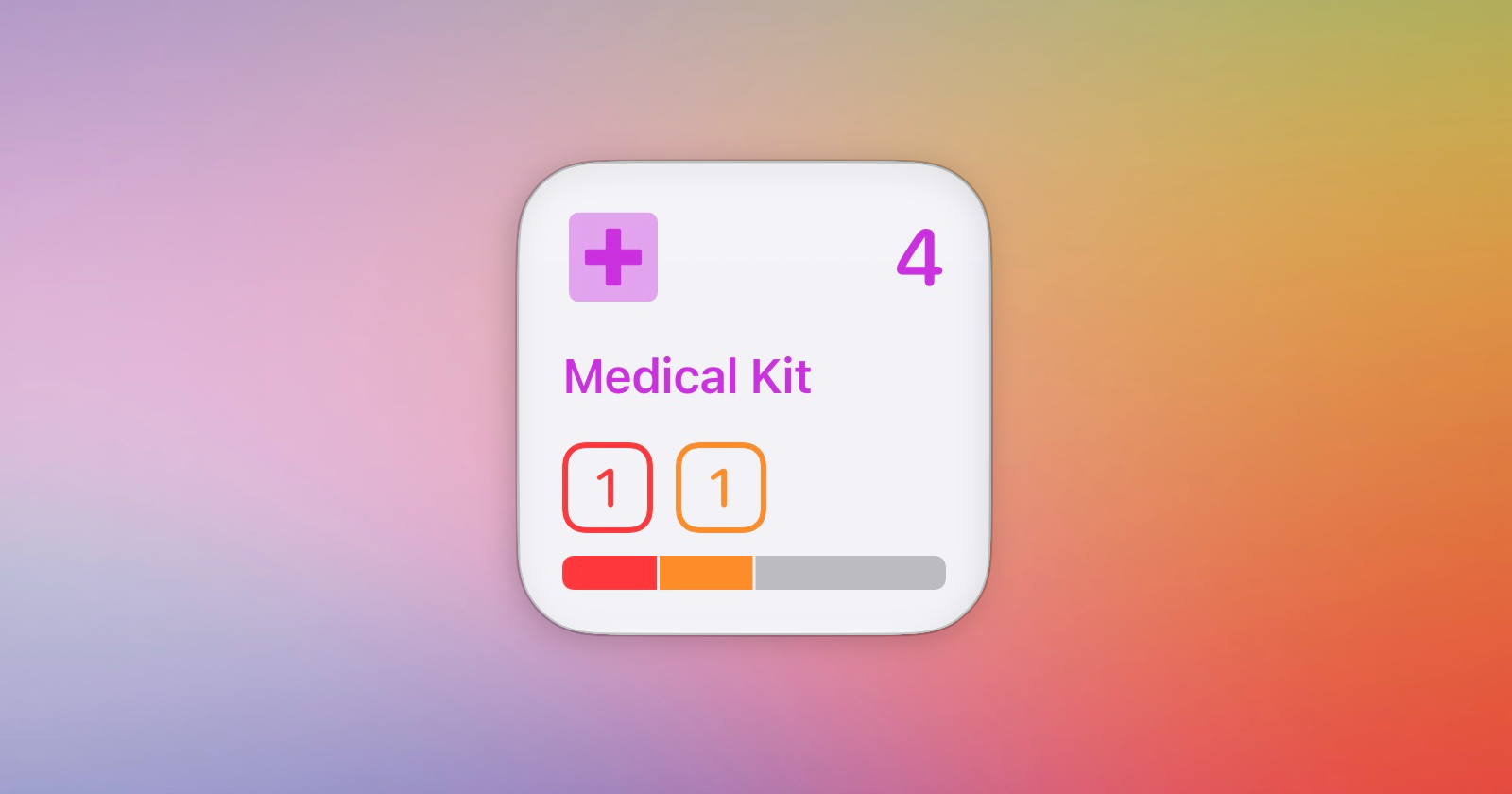
Ampoule uses iOS features like widgets and notifications to keep you informed about your medicines. These are customisable in the Settings page and how you use them is up to you!
Widgets
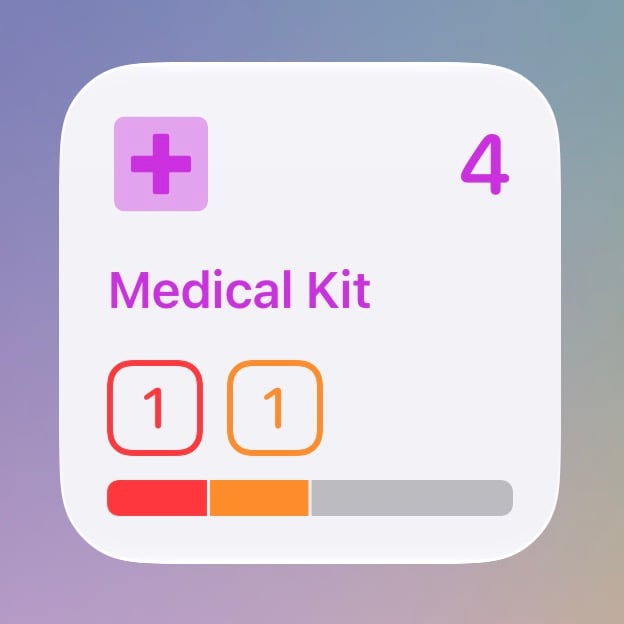
Ampoule provides small, medium and large widgets, which provide a summary of the contents of one, two or four of your boxes of medicines (or an overview of all boxes).
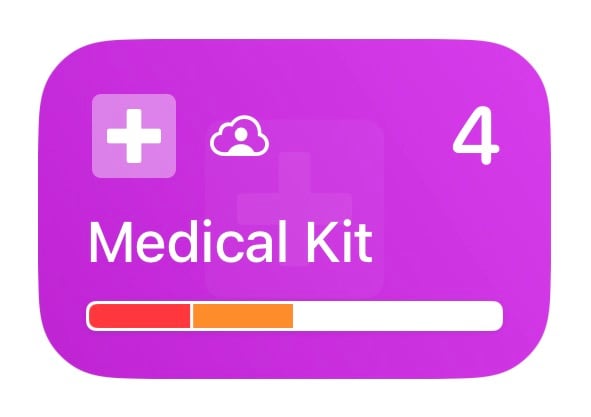
This box is called Medical Kit. If selected for a widget, you will see a summary of the total items in the box and the number of items that have problems or warnings.
There are also lock screen widgets, to provide a summary of your inventory at a glance.
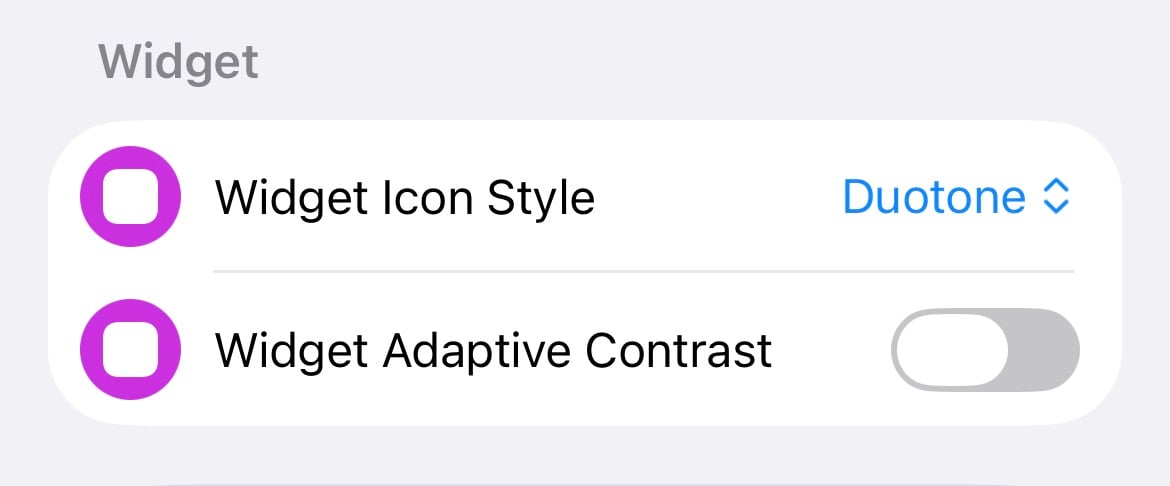
The appearance of the icons (light, solid or duotone) can be customised in the Settings page. Like the boxes themselves, adaptive contrast can make the widget more readable for certain user-selected colours.
Notifications
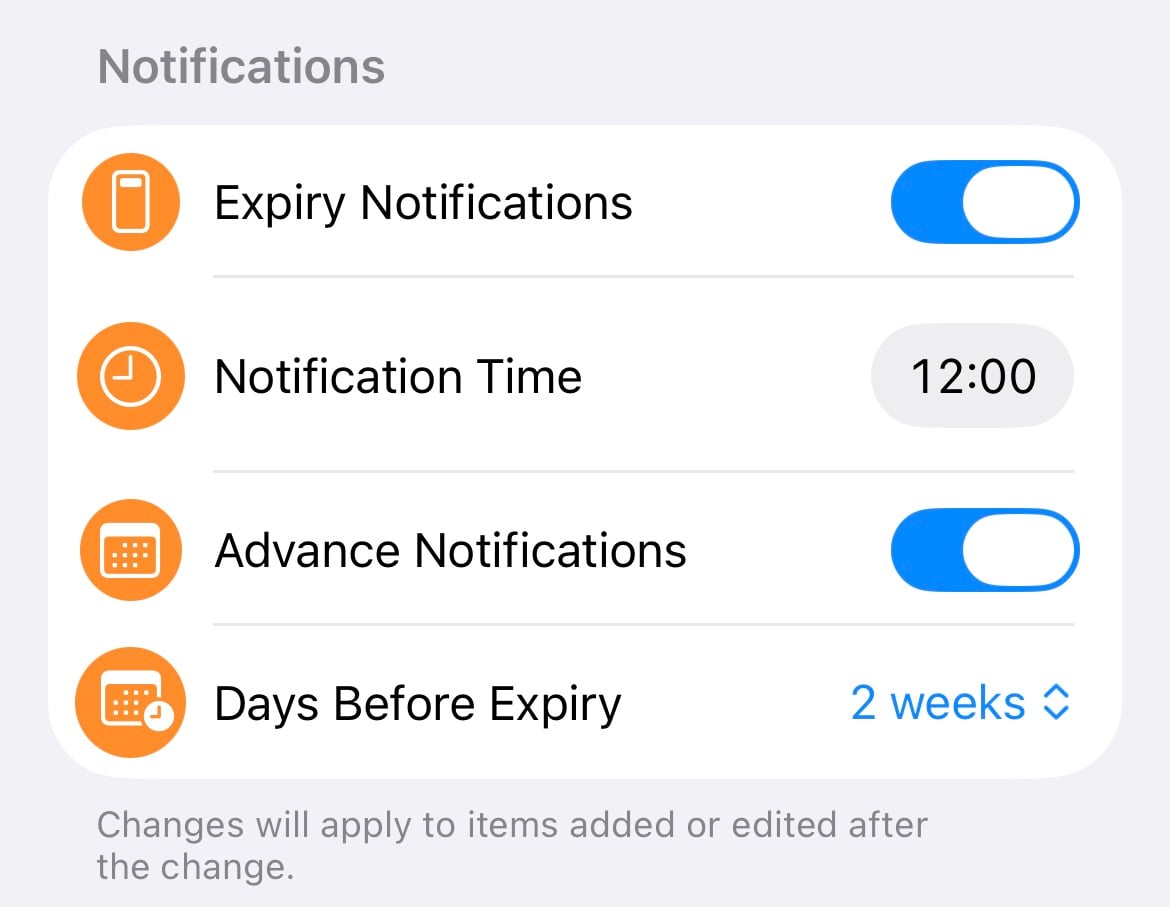
Ampoule will schedule expiry notifications automatically when you enter an expiry date for an item. The app will periodically update Spotlight search data and notifications in the background, to keep this up to date.
Notifications can be customised as well, with options for custom timing and optional advance notifications, which will trigger a configurable amount of time before expiration.
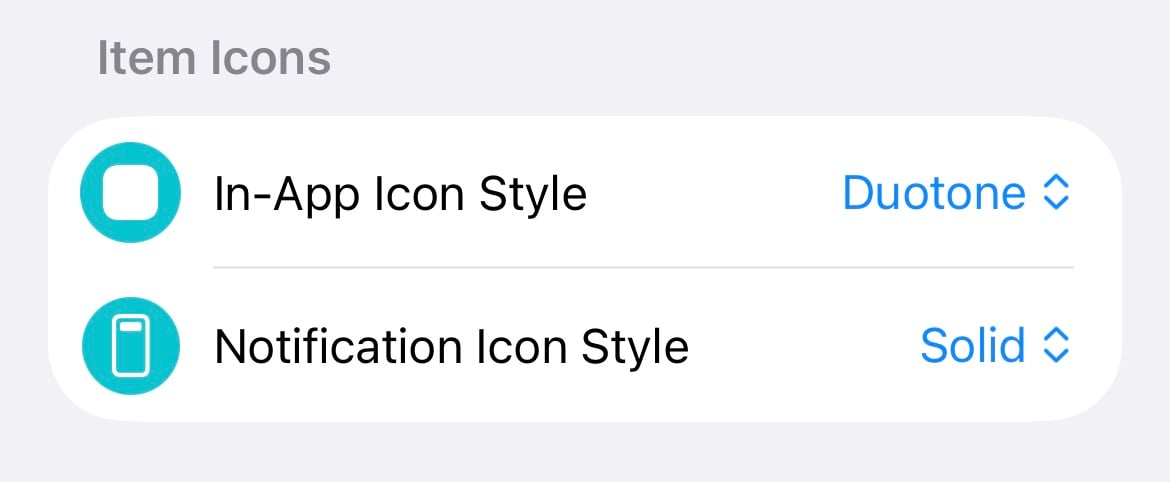
You can also customise the icons in Appearance Settings, just below where you select the icon style for the main app.
Email Notifications
The Ampoule app can also use a background task on your device to send a daily summary to your email address when items need attention.
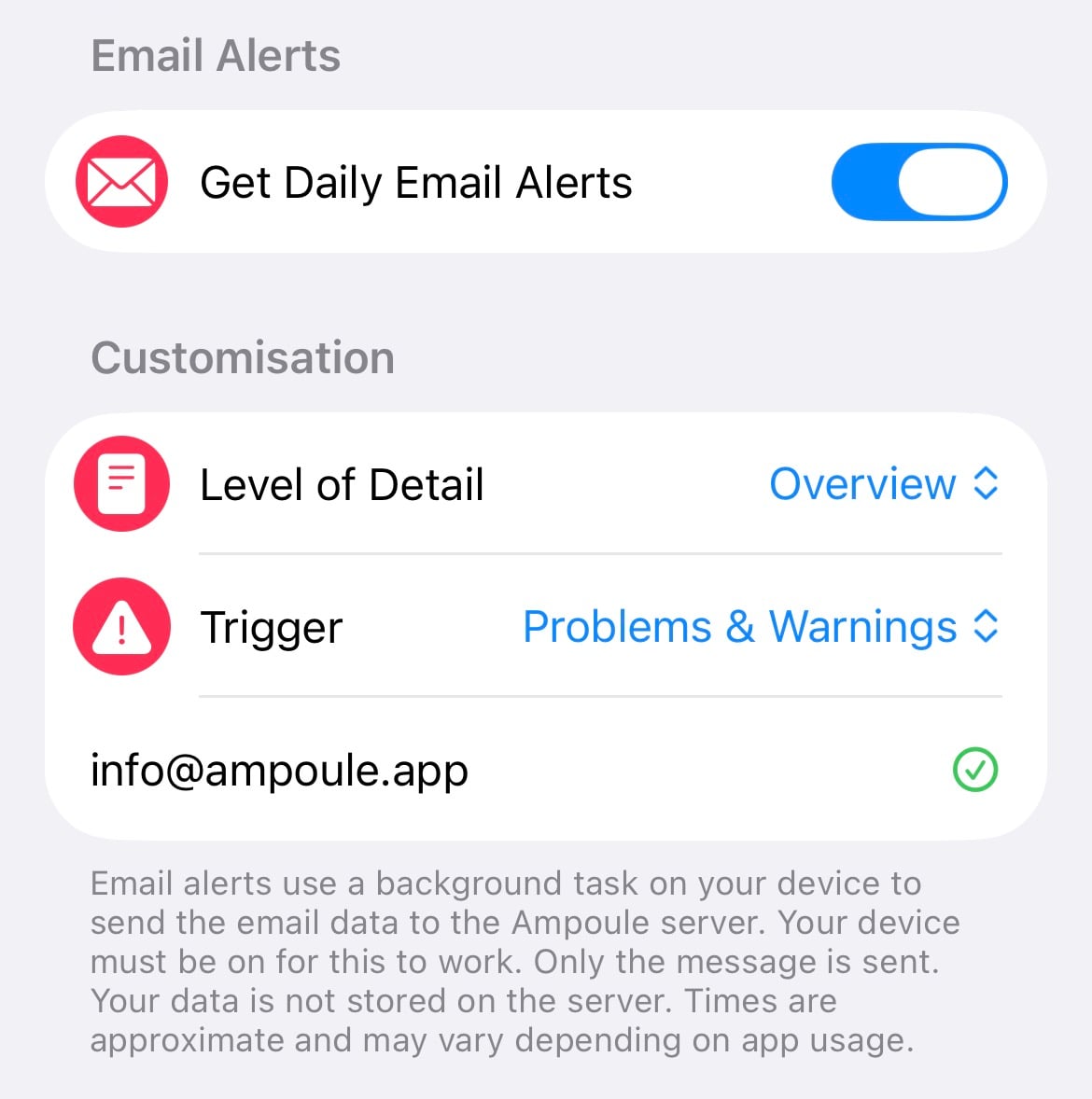
As these use a background task on your device, the exact timing can vary and your device needs to be switched on for this function to work.
About the author
Hi, I'm Chris.
I am a doctor in Northern Ireland, working in general practice (family medicine) and urgent care.
I make Ampoule; an iOS app for managing an inventory of medical drugs and devices.
Comments
Join the discussionNo comments yet. Be the first to comment.